If you use an iPhone, then none of this guide will apply to you. Sorry not sorry
As much as I hate smartphones nowadays, I used to loved my first smartphone a lot. It was the only "smart" device that I had, and I loved tinkering with it as much as I could, but after getting my second phone, it felt old, and I started diving into the average phone addiction, resulting into me hating smartphones. There was just something odd with using a smartphone that made me not like using it, even when using "stock Android".
I have now gotten used to it, and I have overcome the phone addiction, and the Material Design 3, also known as Material You, has grown on me a lot, but I have realised that especially when it comes to phone addiction, not eveyone has overcome the phone addiction.
Smartphones nowadays get a lot of criticism for impacting social life, being more spyware than desktops and laptops, being unhealthy for your body, and decreasing your productivity. It seems like a device that you never want to touch if you know these flaws, though, how many people use a phone again? Well look it up, and you will be in an absolute shock. In fact, you do not even need to look it up: Just go outside, and you will see phone after phone. Everybody is running with their neck down, watching at a small, cheap, and disgusting screen where people brag about having the "perfect life".
So, how do you get out of this temptation? Well, unless you can live without a phone, which most people can not, you have to learn to live with that little computer, and if you depend on something that you do not like, then you have to adapt and improvise where you can to make it an enjoyable. Chris Titus Tech once make a post about making "the perfect phone", a smartphone, that is more dump (less utilitarian), and which makes you less addicted. I was really impressed by the idea of it, but I had a couple of issues with his guide in that he just removed some Google apps and replaced his launcher to a freemium launcher, which has a terrible privacy policy, and is non-free software, so I decided to find my own way of making a smartphone less addictive.
This guide uses LineageOS 22.2 (Android 15) as is
Pro Tip: Delete all social medias
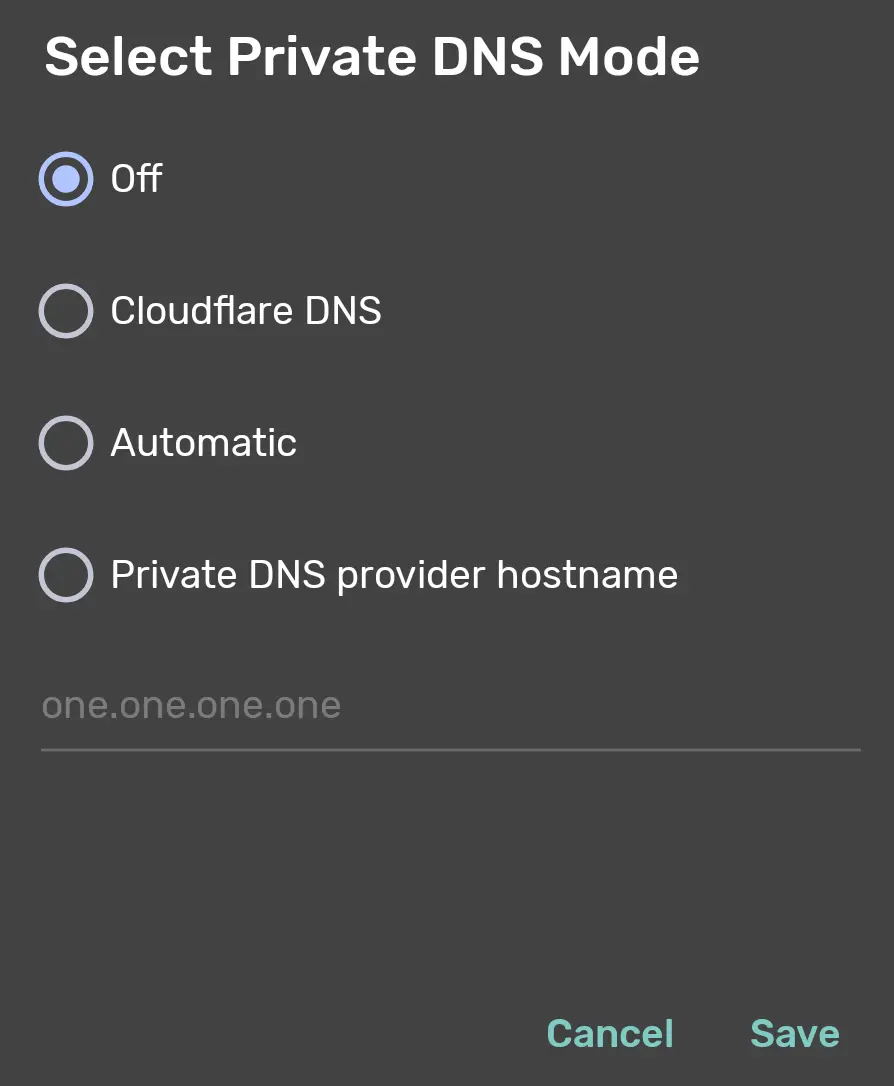
First, go to the Settings app and disable everything you do not need and toggle options according to your preferences. For instance, disable Private DNS at the Settings > Network & internet > Private DNS, and toggle it to Off, and save it. This does not make it more or addictive, but more of a privacy thing, which I would prefer to have, so I just disable it.
Following that, for every app you install, make sure it is set up according to your needs.
I used to recommend F-Droid, but I believe there are better options today.
There are four app stores I suggest installing. If you are not on GrapheneOS, install their app store anyway..
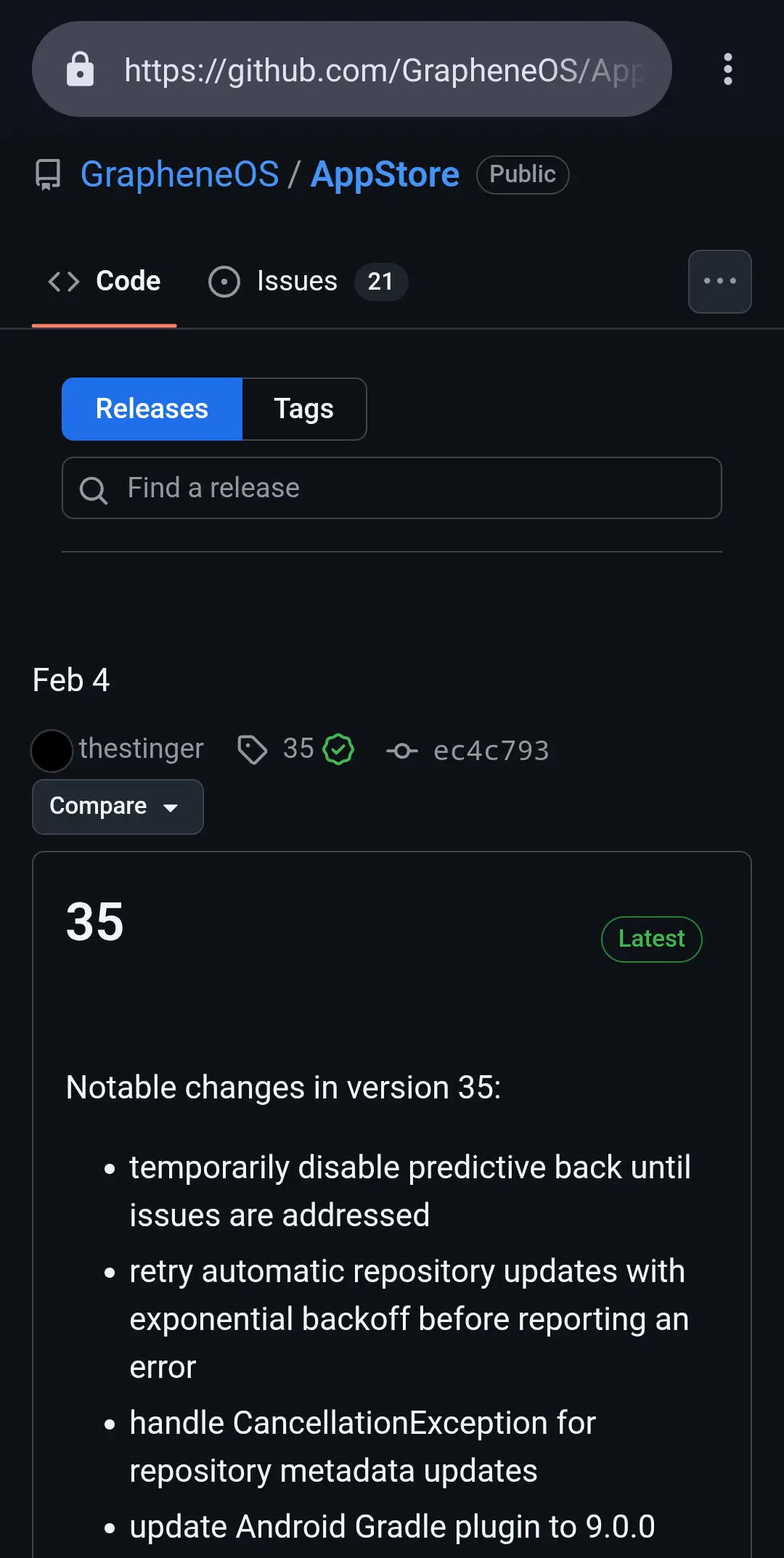
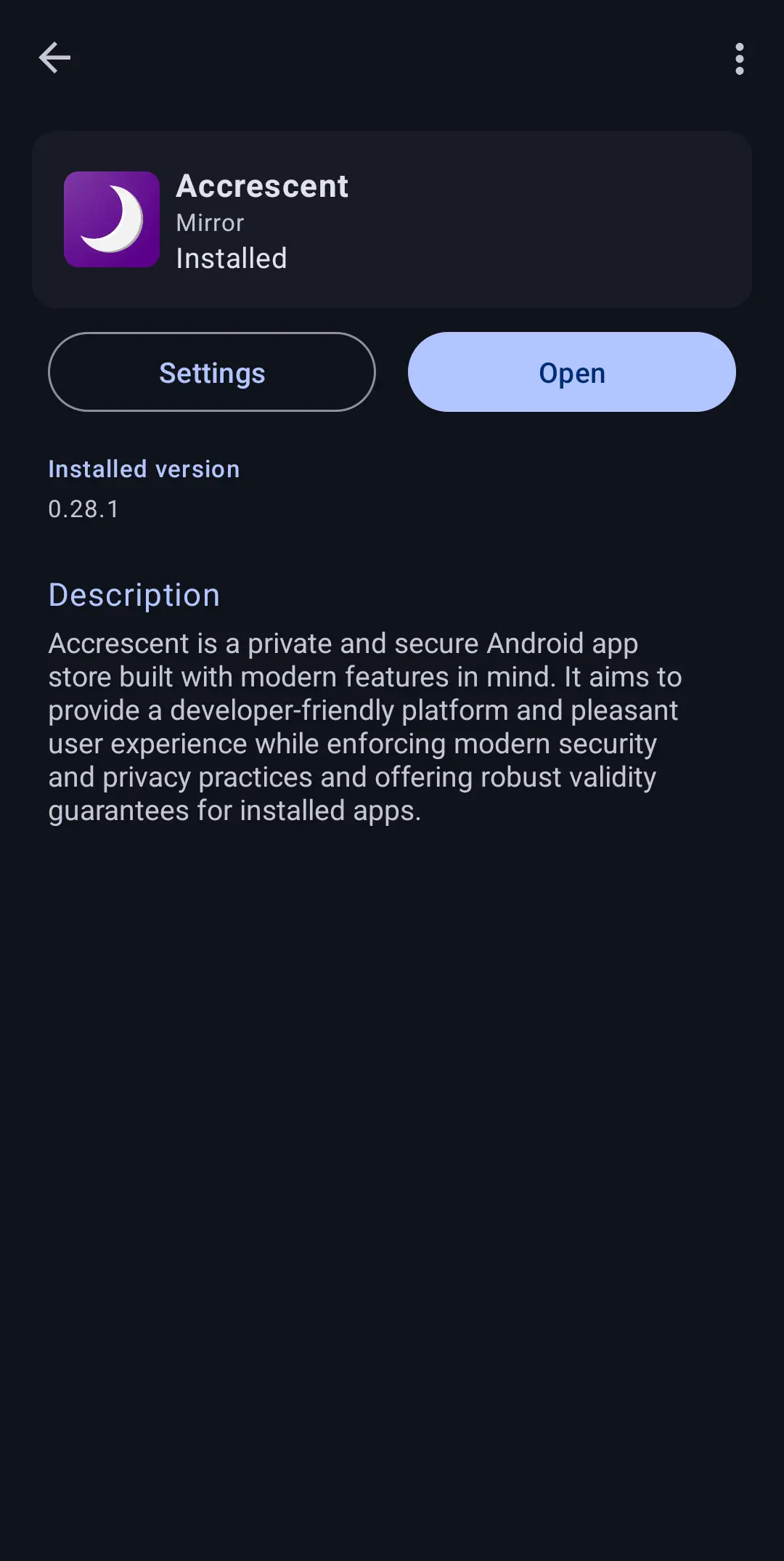
It will be important for installing Accrescent, which is a more modern and private app store. It has very few gems, but in the long time, it is the best option to install third party apps outside of the large pool of the Google Play Store.
Another great way to get applications neither on these two app stores is via Obtainium. This is essentially an app that allows you to create your own app store by fetching the download pages of Android apps on the internet instead of using an app store.
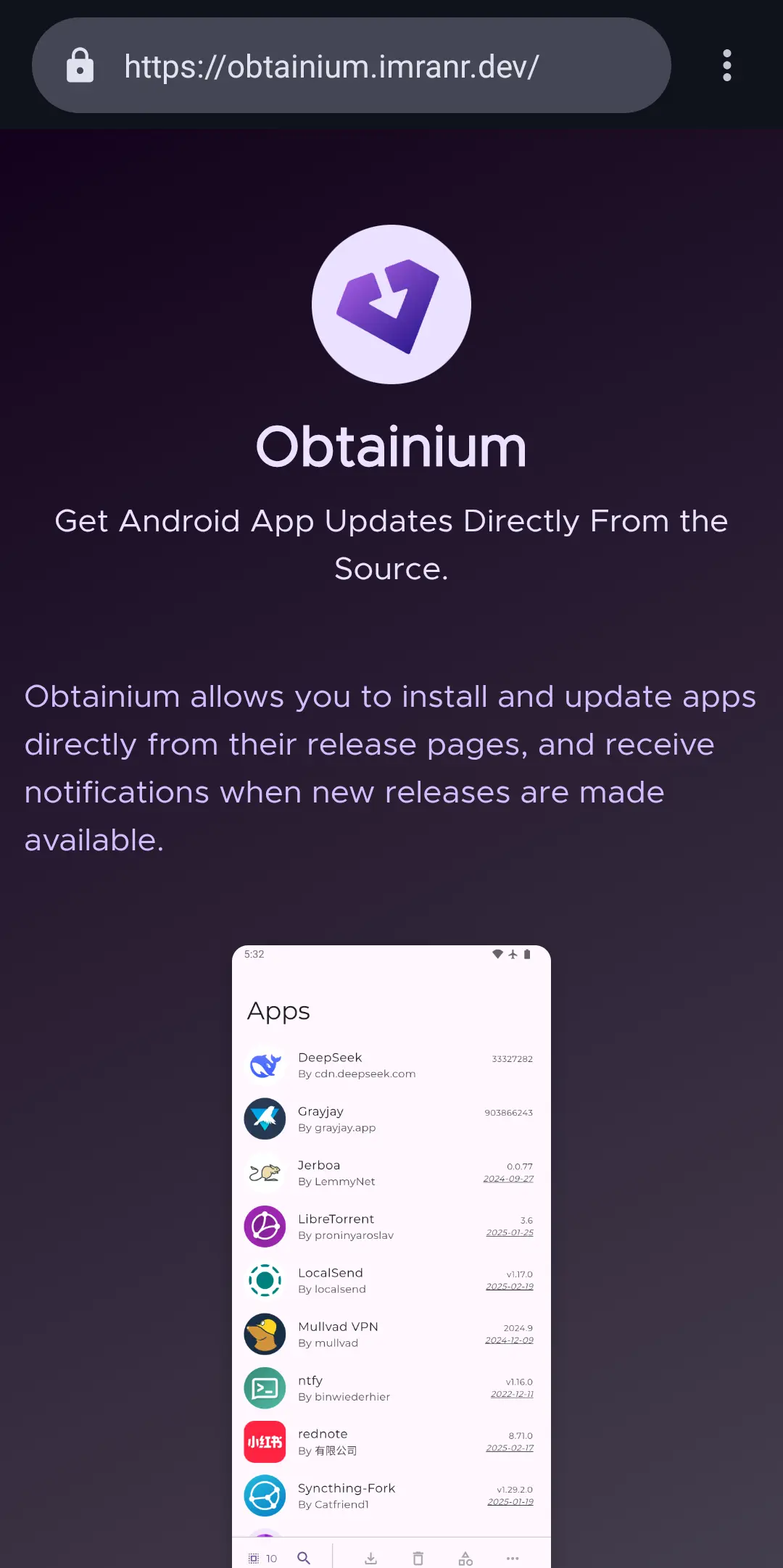
This also allows for installing proprietary applications that have a direct download link, and it will always get you the newest updates from the original authors. Be sure to check out the crowdsourced applications on their website.
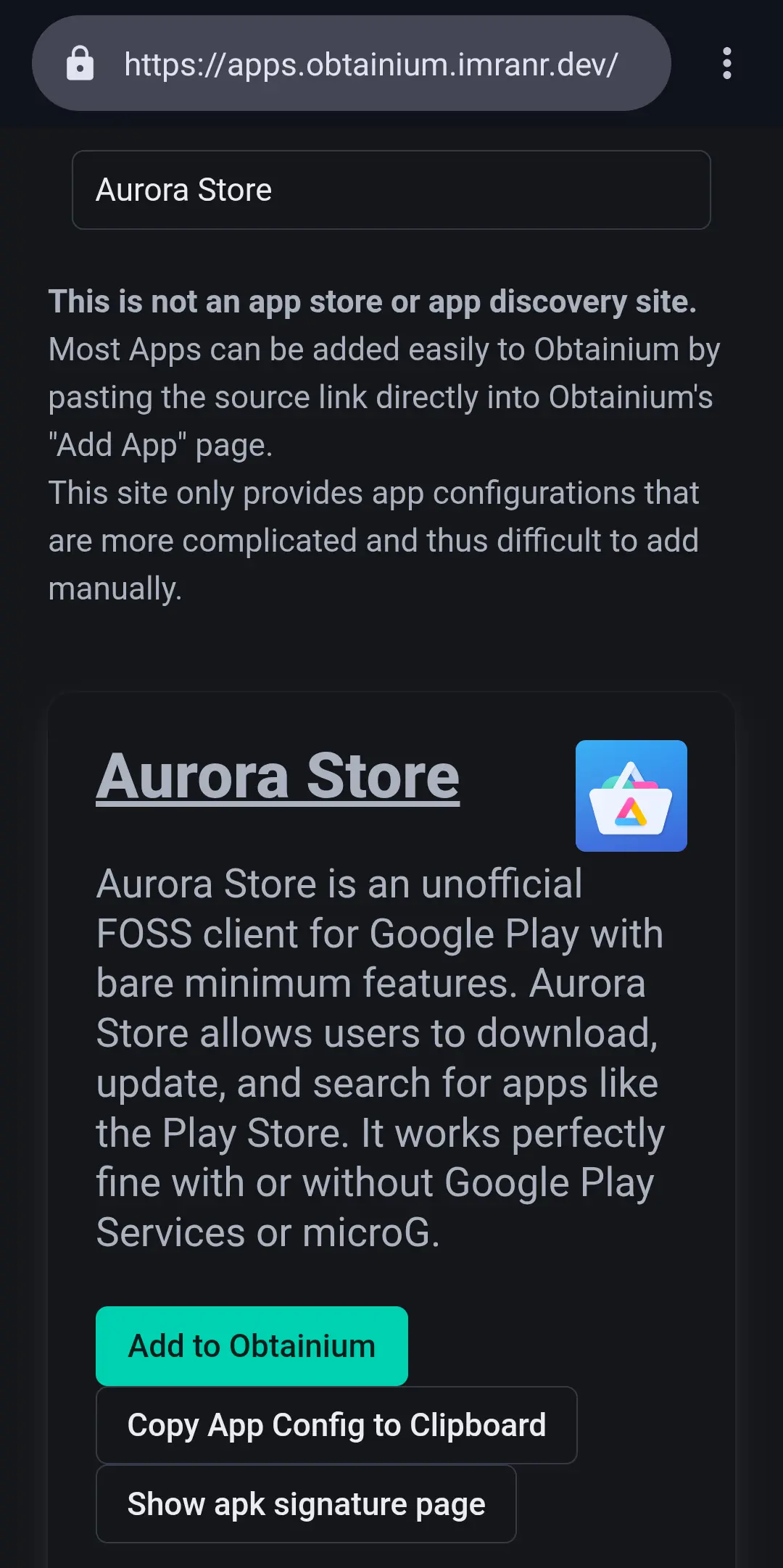
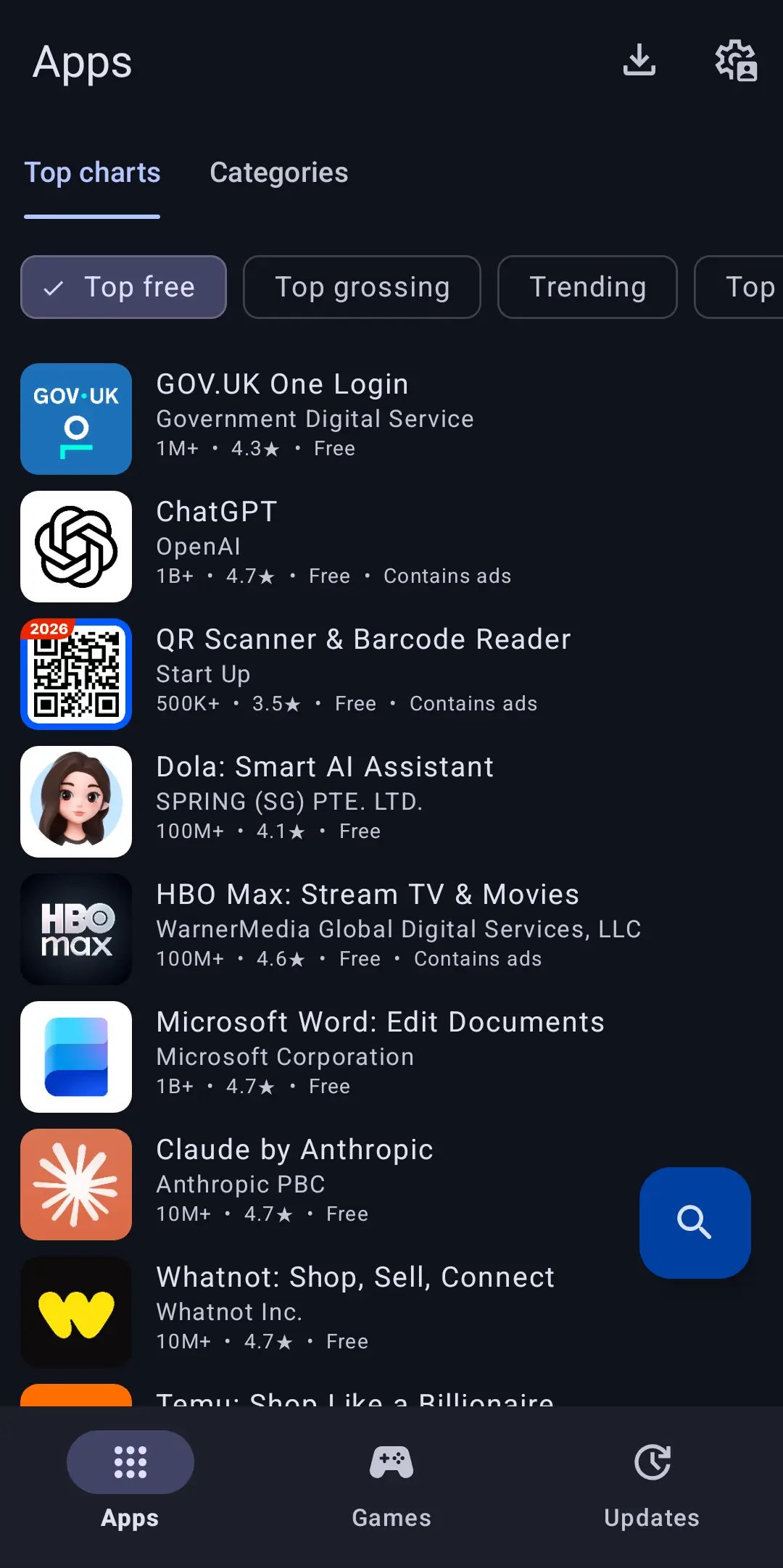
Lastly, if you do not want to create an account, but want access to Google Play Store apps, you may want to use the Aurora Store. Heads up: This is very insecure and may not work at any time, but if you absolutely have to without a Google account, this is an option.
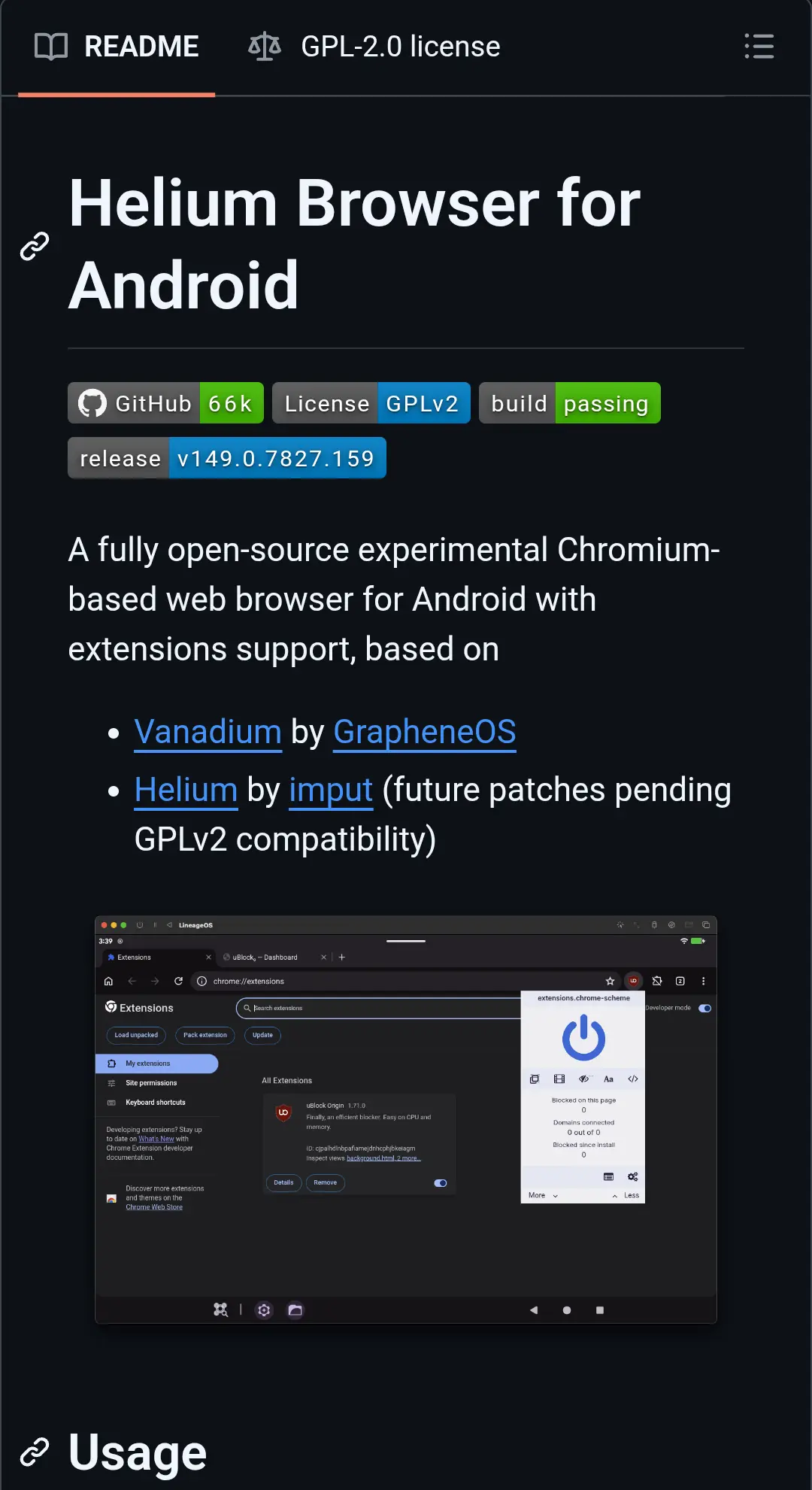
Now you can decide if you like Chromium or Firefox as a web browser. If you use GrapheneOS, stick with Vanadium. If you use LineageOS, the next best thing is Titanium. Install it via Obtainium. It actually has support for Manifest V2 extensions as I was able to install uBlock Origin on it. after enabling desktop mode.
If you prefer to use Firefox, install IronFox via Accrescent. Note that the only benefit is the use of Manifest V2 extensions. Even Firefox uses WebView and thus Blink at its core.
There is also FOSS Browser, based on webview. Consider checking it out if you do not like either Cromite or IronFox.
Let us prepare the wallpaper first before we install everything. Go to Settings > Wallpaper & Style > Change Wallpaper. Now there are some system wallpapers that you could use, which I would suggest picking the most boring one then. You can also use your own wallpaper, just do not use a very detailed wallpaper and you will be fine.
You do not have one? Use mine! Just hold down your finger and press Download image, and you are good to go!
Depending on what Android-based operating you use, you may have a lot of junk apps installed, or, in LineageOS' case, the simple apps suck (especially the clock app is bad). The solution is to use different apps that are free and open source and in high quality.
If you do not like Material Design, I suggest Fossify. They have a suite of simple apps, and they are pretty high quality. I used to us the original version of these apps, called Simple Mobile Apps, but they have been bought by a company and this is the fork of it.
If you want your app design language to use Material You, here is a quick list of apps I would recommend:
To be less addictive with your user interface, changing the launcher is the best thing to do. By "changing the launcher", I do not mean changing it to another launcher that needs a lot of tweaking to be usable, I mean switching to a list-view-based launcher, which can be seen as is the mobile equivalent to tiling window managers. They display only a clock, and a list of the installed apps in pure text, usually labeled as an app drawer. No icons, no fancy widgets, and no bloat at all! As I have said, the most popular list-view-based launcher, Niagara Launcher, is freemium, and it does not really suit my philosophy, so I looked on F-Droid for a similar launcher, and the best one I found is µLauncher. Install it via Accrescent.
We have picked apps the want, so we do not want the ones that the operating system provides by default, however, they can not be uninstalled, but you can disable or hide them, so let us remove the annoying bloat.
Go to the Settings > Apps > See all apps, and disable any apps that you do not need, and that you can disable. For example, the Android Keyboard (AOSP). Tap on it, press Force stop, next, go to Storage & cache, and press Clear storage, go back, and, last but not least, DISABLE IT. Do that with as many apps that you do not need at all.
With some apps, you can not disable them, so just hide them. On µLauncher, you can hold down on an app, and hide it. You may also set "Don't show apps that are bound to a gesture in the app list" in the Launcher settings tab.
After all of this, you may have a more enjoyable phone that is less addicting!